
When your user account is created, you receive an automated email message that contains your organization name, your user name, and a link to set your password. You must create a password before you can log in to Ascend Academic.
Important: You must set up your password within 24 hours of receiving the email message. If 24 hours pass before you set up a password, you must resend the email message using the Forgot Password? link.
To set your password
-
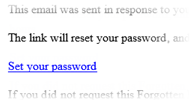
From the email message that was sent when your user account was created, clicktap the Set your password link.
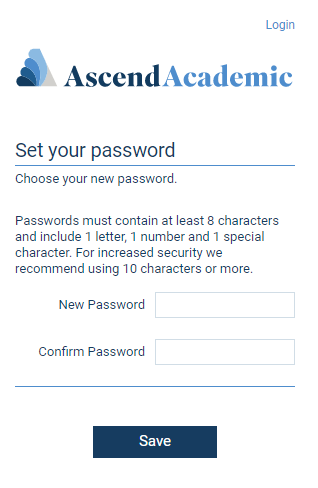
The Ascend Academic website opens to the Set your password page.
-
Enter your new password in the New Password and Confirm Password fields. The password is masked as you type.
Important: Passwords must be at least eight characters in length and include at least one letter, one number, and one special character (for example, #, $, &, and %). Passwords are case-sensitive.
-
ClickTap Save.
Comments
0 comments
Please sign in to leave a comment.