
You may be asked for the version of the Chrome browser you are using by axiUm Ascend Support. Follow the instructions below to find the version of Chrome you are running.
To locate your Chrome's version information
-
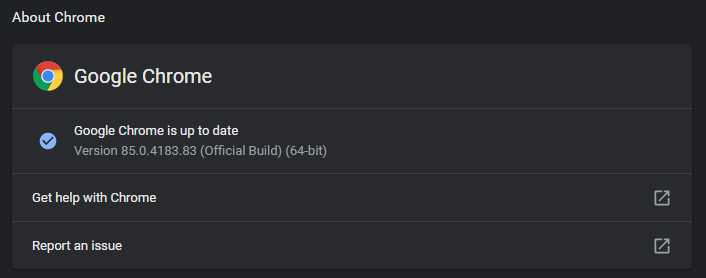
Open Chrome and navigate to chrome://about/help.
-
The full build number for Chrome will be listed. Please copy the entire build # (e.g. Version 85.0.4183.83 (Official Build) (64-bit)).
Comments
0 comments
Article is closed for comments.