
You can rename a registered kiosk device.
To rename a kiosk device
How to get there
-
From the Settings menu, under Location, select Patient Forms.
The Patient Forms page displays.
Note: If the correct location is not already selected, use the Location menu to select it.
-
On a location's Patient Forms page, clicktap Manage Kiosks.

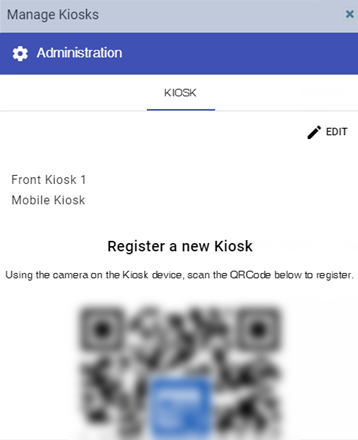
The Manage Kiosks window displays.
-
ClickTap EDIT.
The device names become editable.

-
Locate and change a kiosk's name in the Kiosk name field. Repeat to rename multiple kiosks.
-
ClickTap SAVE.
-
Close the Manage Kiosks window.
Comments
0 comments
Please sign in to leave a comment.