
Faculty providers will receive notifications about electronic prescriptions when a student provider completes work in eRx on their behalf. The electronic prescriptions notifications ( ) indicator displays next to the faculty provider's name when a student completes a task.
Example: The student provider adds an electronic prescription to a patient record.
If you are a faculty provider, you can view the notifications to review the work a student provider has completed.
To view notifications
How to get to there
-
From the User name menu, clicktap Electronic Prescriptions.
The Electronic Prescriptions Notifications page opens.
-
On the Electronic Prescriptions Notifications page, under Notifications, clicktap the + icon to expand the notification.

-
ClickTap the View button to display the Patient Details page.
-
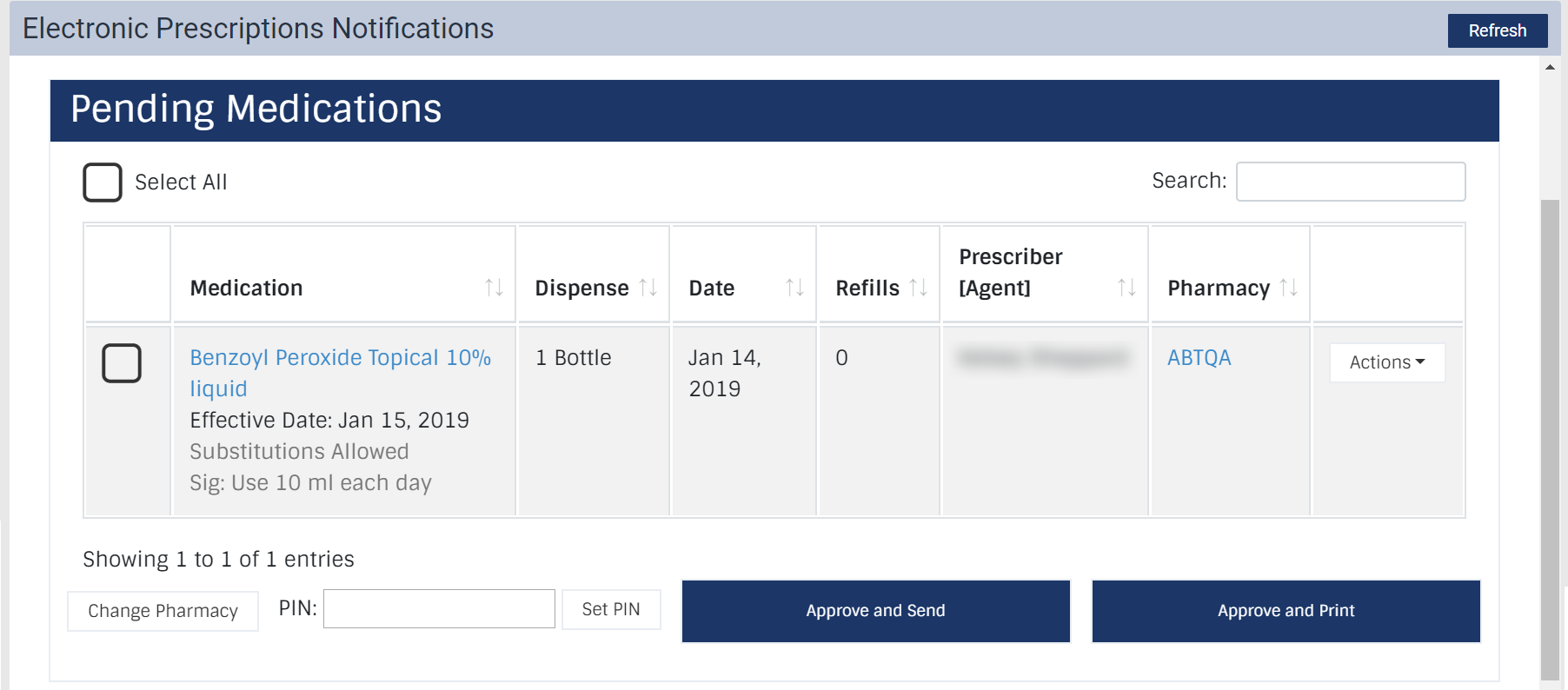
Under Pending Medications, review the prescription and complete one of the following:
Comments
0 comments
Please sign in to leave a comment.