
You can delete any custom report that has been saved as one of your reports (available only to you) or as an organization report (available to all users).
To delete a custom report
How to get there
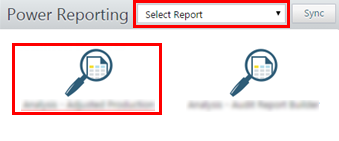
From the Home menu, under Reports, clicktap Power Reporting.
The Power Reporting page opens.
On the Power Reporting page, clicktap a report's icon.
The report and its options appear.

This button is available only if you have selected a saved report.
A confirmation message appears.
ClickTap Delete.
Comments
0 comments
Please sign in to leave a comment.