
For any location, you can delete any of the default clinical note templates that are included with axiUm Ascend and any of your custom clinical note templates. This does not affect clinical notes that are already attached to patient records.
To delete a clinical note template
How to get there
-
If you are not already viewing the correct location, select it from the Location menu.
-
From the Settings menu, under Patient Care, clicktapClinical Note Templates.
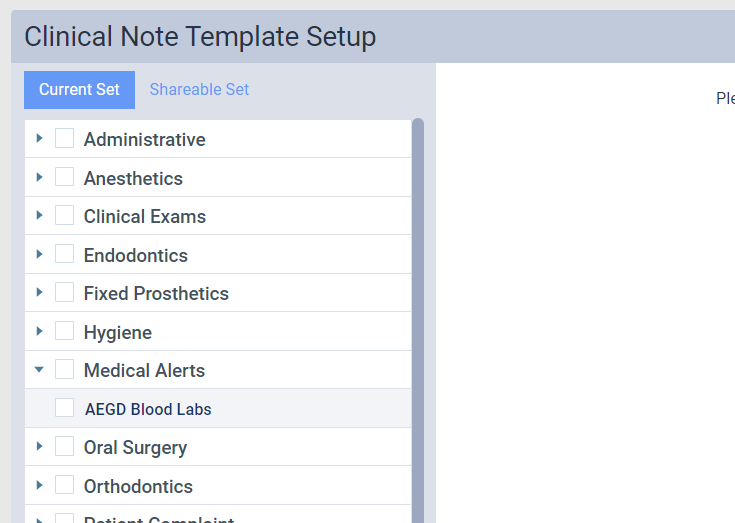
The Clinical Note Template Setup page displays.
-
On a location's Clinical Note Template Setup page, select a clinical note template.
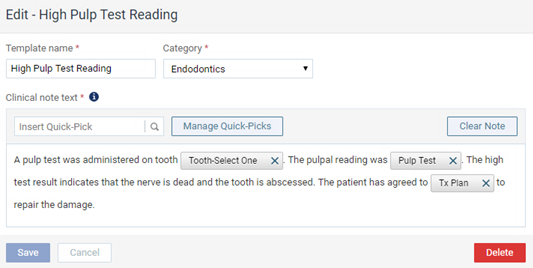
The options for editing the clinical note template appear.
-
ClickTap Delete.
A confirmation message displays.
-
ClickTap Delete.
Comments
0 comments
Please sign in to leave a comment.