
If a patient has a primary and secondary insurance plan on their record, a secondary claim is created automatically after a primary claim has been paid. However, if you add a secondary insurance plan to the patient's record after a primary claim has been paid, you must manually create the secondary claim.
Note: This is also true for a tertiary plan that is attached to a patient's record after a secondary claim has been paid.
To create a secondary claim manually
How to get there
-
From the Patient menu, under Insurance, select Insurance Claims.
The patient's Insurance Claims page displays.
Note: If the correct patient is not already selected, use the Patient Search field to access the patient's record.
-
On a patient's Insurance Claims page, select a primary claim that has a status of Payment Received.

Note: If you want to create a tertiary claim, select a secondary claim that has the Payment Received status.
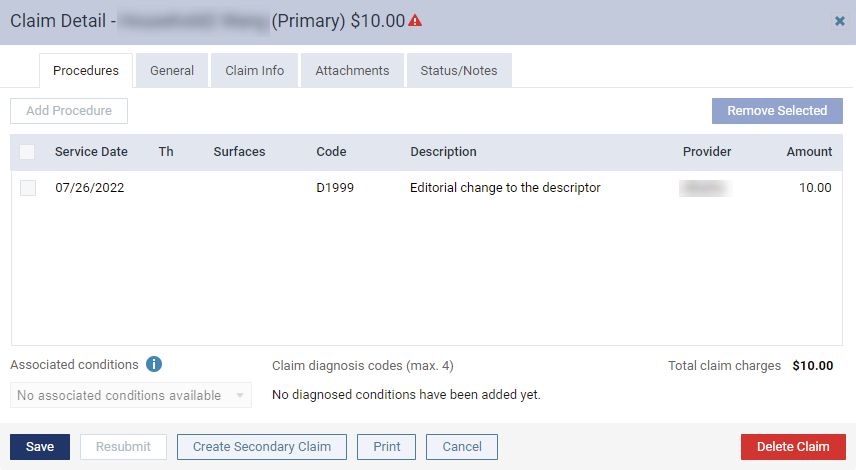
The Claim Detail window displays.
-
ClickTap Create Secondary Claim to create a secondary claim and to close the window.
Note: For secondary claims, the button displays as Create Tertiary Claim.
-
On the page, select the secondary claim to review and submit it.
Comments
0 comments
Please sign in to leave a comment.