
You can delete user groups that are out of date or are no longer necessary.
Note: You need the Delete User Group security right to delete user groups from the system.
To delete a user group
How to get to there
-
From the Settings menu, under Location, select User Groups.
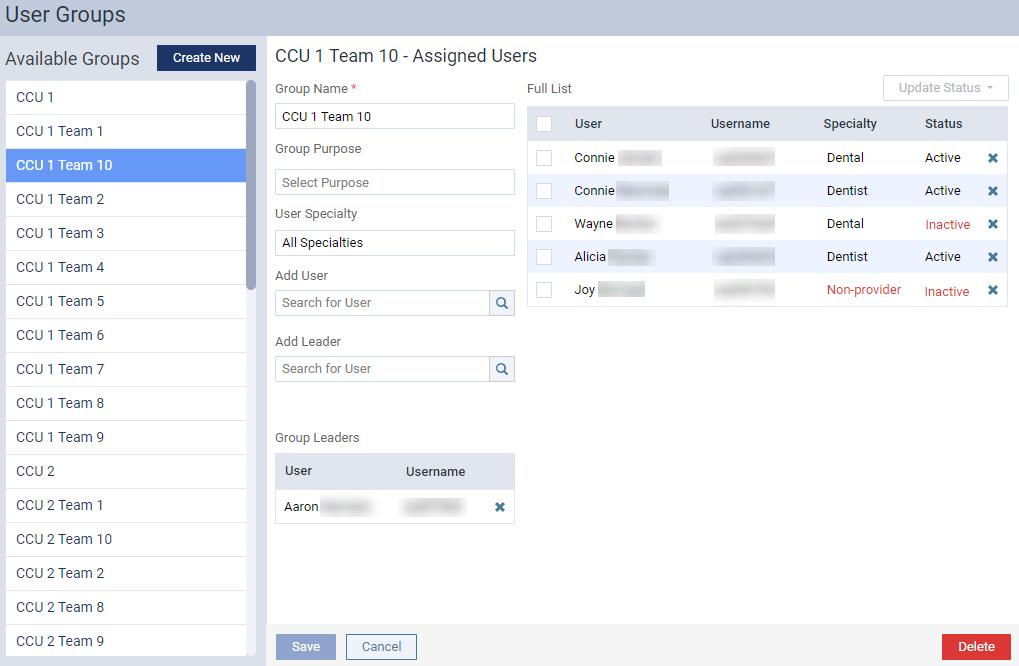
The User Groups page displays.
-
On the User Groups page, under Available Groups, select a user group to open it.
-
ClickTap Delete.
-
When prompted, clicktap Delete to confirm the deletion.
The group is removed from the Available Groups list.
Comments
0 comments
Please sign in to leave a comment.