
You can reactivate a procedure that was inactivated previously so that it displays wherever procedure codes can be selected.
To reactivate a procedure code
How to get to there
-
If you are not already viewing the location that has a procedure code that you want to reactivate, select that location from the Location menu.
-
From the Settings menu, under Production, clicktap Procedure Codes & Conditions.
The Procedure Codes & Conditions page displays.
-
On a location's Procedure Codes & Conditions page, select a procedure code.
Notes:
-
To quickly locate a procedure, type a code or description in the Search For Specific Procedure field.
-
You can also filter the list of procedure codes to view all, only favorites (most commonly used procedures), only active, or only inactive.

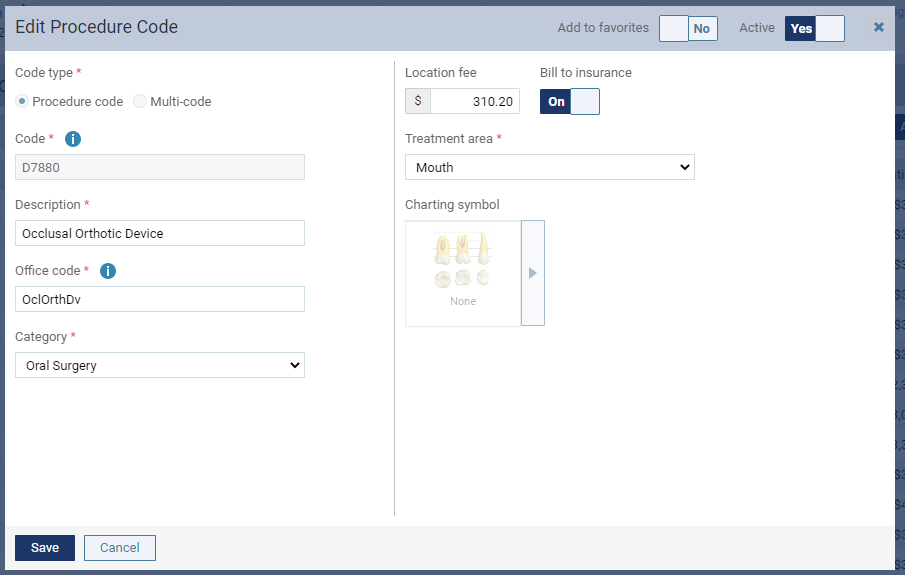
The Edit Procedure Code window displays.
-
-
Set the Active toggle to Yes.
-
ClickTap Save.
Comments
0 comments
Please sign in to leave a comment.