
You can remove an insurance plan from a patient's record. If the plan has expired or been terminated, you should end the coverage not remove the plan.
To remove a patient's insurance
How to get there
-
From the Patient menu, under General, select Overview.
The patient's Overview page displays.
Note: If the correct patient is not already selected, use the Patient Search field to access the patient's record.
How to get there
-
From the Patient menu, under Insurance, select Insurance Information.
The patient's Insurance Information page displays.
Note: If the correct patient is not already selected, use the Patient Search field to access the patient's record.
-
Complete one of the following:
-
On a patient's Overview page, the Insurance widget displays the patient's insurance plans. ClickTap an insurance plan's link.

-
On a patient's Insurance Information page, select an insurance plan.

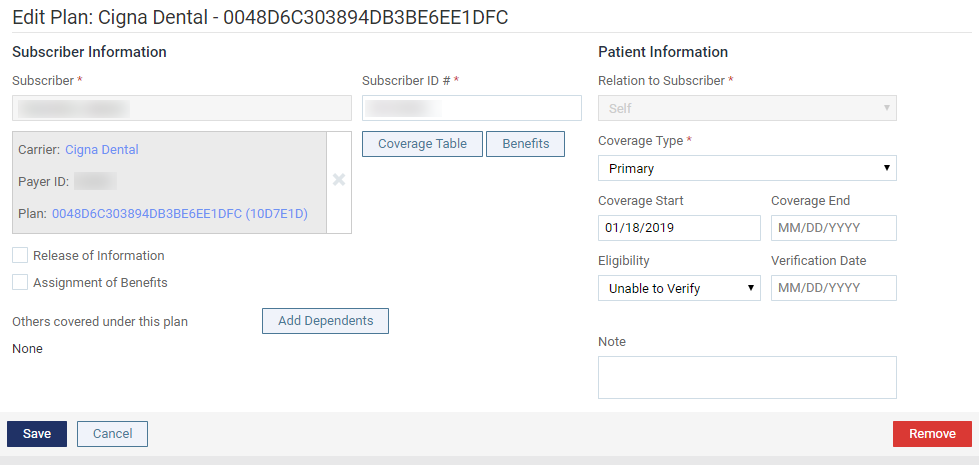
The options for editing insurance information become available.
-
-
ClickTap Remove.
-
When prompted to confirm, clicktap Remove.
Comments
0 comments
Please sign in to leave a comment.