
You can log out of Ascend Academic manually at any time. However, be aware that any unsaved data will be lost.
Note: After a specified length of inactivity, Ascend Academic logs you out automatically and any unsaved data will be lost. The length of time after which a user is logged out is determined by a certain setting for that user's account.
To log out
-
From the Hi, [user name] menu, clicktap Logout.

Notes:
-
If you log in to Ascend Academic on a second computer, you will automatically be logged out of Ascend Academic on the first computer.
Important: If you try to login to Ascend Academic from different browsers on your computer or using a new browser session with an extension or special mode, such as Incognito, Ascend Academic interprets that as you logging in to a separate machine and will automatically log you out of your original browser session.
-
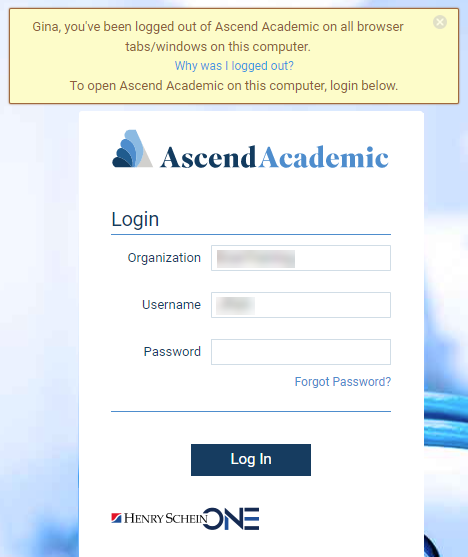
If you are logged in to Ascend Academic on multiple tabs or windows of the same browser on the same computer, and then you log out on one tab, you will be automatically logged out of Ascend Academic on all other tabs.
-
Comments
0 comments
Please sign in to leave a comment.