
You can specify whether an expiration date is required when a basic (uninsured) discount plan is added to a patient's record.
Note: Changing whether expiration dates are required affects all locations in your organization.
To require expiration dates for discount plans
-
On the Settings menu, clicktap Ledger Options to display the Ledger Options page.
-
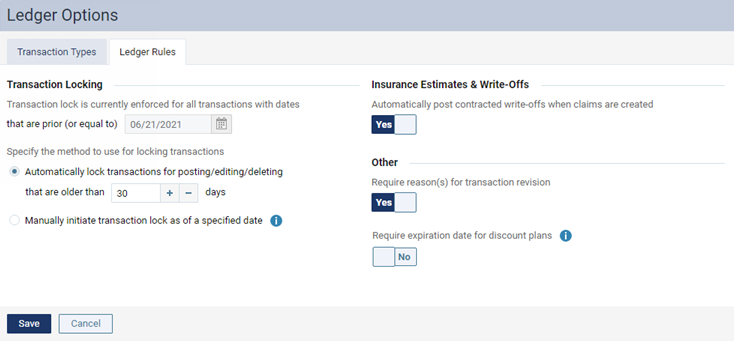
ClickTap the Ledger Rules tab.
-
Under Other, set the Require expiration date for discount plans toggle to Yes.
Note: If set to No, an expiration date can still be entered when adding a discount plan to a patient's record.
-
ClickTap Save.
Comments
0 comments
Please sign in to leave a comment.