
You can delete exceptions in any of the coverage table templates.
Tip: You can delete exceptions in a coverage table that is attached to an insurance plan and in a coverage table when you are editing an insurance plan that is attached to a patient's record.
To delete an exception
How to get to there
-
From the Settings menu, under Production, clicktap Coverage Tables.
The Coverage Table Setup page displays.
-
On the Coverage Table Setup page, select a coverage table template type to expand it and locate a template.

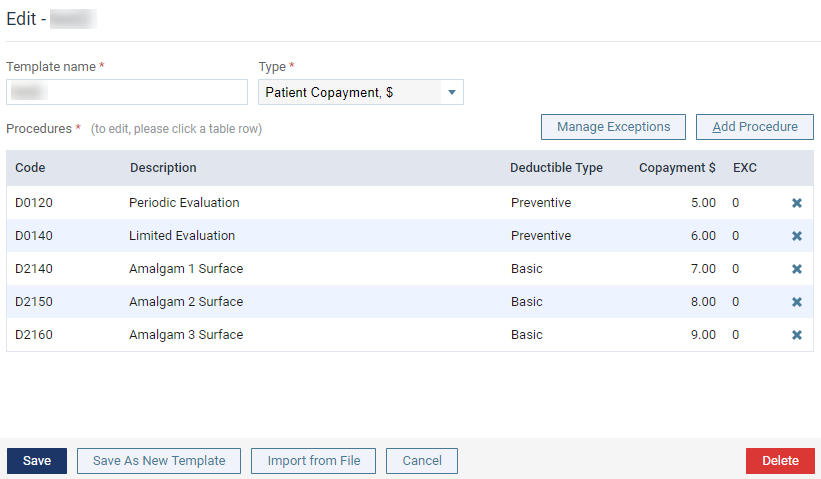
The options for editing the coverage table display.
-
ClickTap Manage Exceptions.
The Exceptions window displays.

-
Select an exception.
The options for editing the exception become available.

-
ClickTap Delete.
A confirmation message displays.
-
ClickTap Delete.
Comments
0 comments
Please sign in to leave a comment.