
You can print a patient's perio exam from their record.
To print a perio exam
How to get there
-
From the Patient menu, under Clinical, select Perio.
The patient's clinical record displays with the Perio tab selected.
Note: If the correct patient is not already selected, use the Patient Search field to access the patient's record.
-
On a patient's clinical record > Perio tab, clicktap the exam drop-down and select an exam.
Tip: Draft exams display with a Draft label.

-
ClickTap the Manage button menu and select Print Exam.

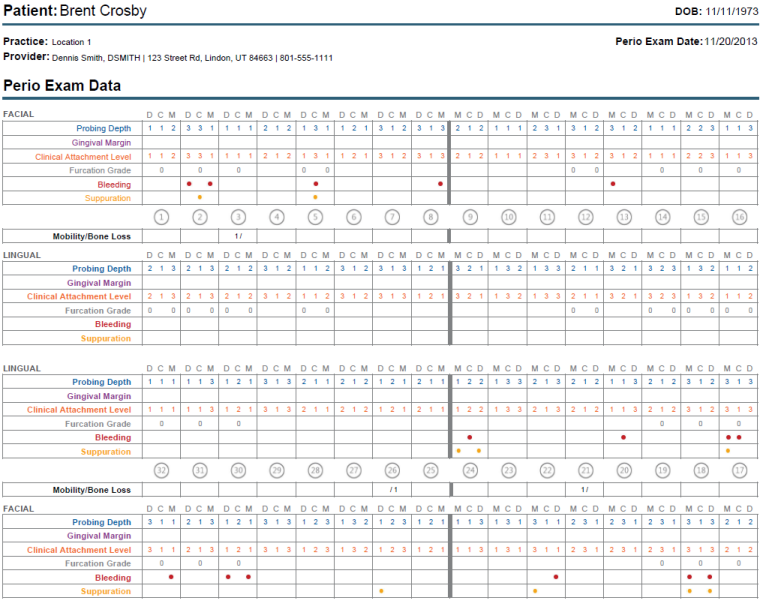
A preview of the report displays as a printable PDF.
Comments
0 comments
Please sign in to leave a comment.